VARFÖR ITSLEARNING
Se varför skolor väljer ett europeiskt LMS som är utformat för utbildning framför generiska plattformar.
Se varför skolor väljer ett europeiskt LMS som är utformat för utbildning framför generiska plattformar.
itslearning stärker lärarna och hjälper alla elever att nå sin fulla potential.

Översättning genererad av en AI-översättningstjänst
Vi är glada att kunna presentera två nya funktioner i itslearning: bildbeskärning för profilbilder och avatarer i itslearning. Detta gör plattformen mer personlig för användarna, samtidigt som administratörerna får bättre verktyg för att hantera användarbilder i hela systemet.
Profilbilder och avatarer visas tillsammans med användaren, såsom i anslag, kommentarer, inlämningar och på kurskort, vilket gör det lättare att känna igen kollegor, elever och medarbetare direkt.
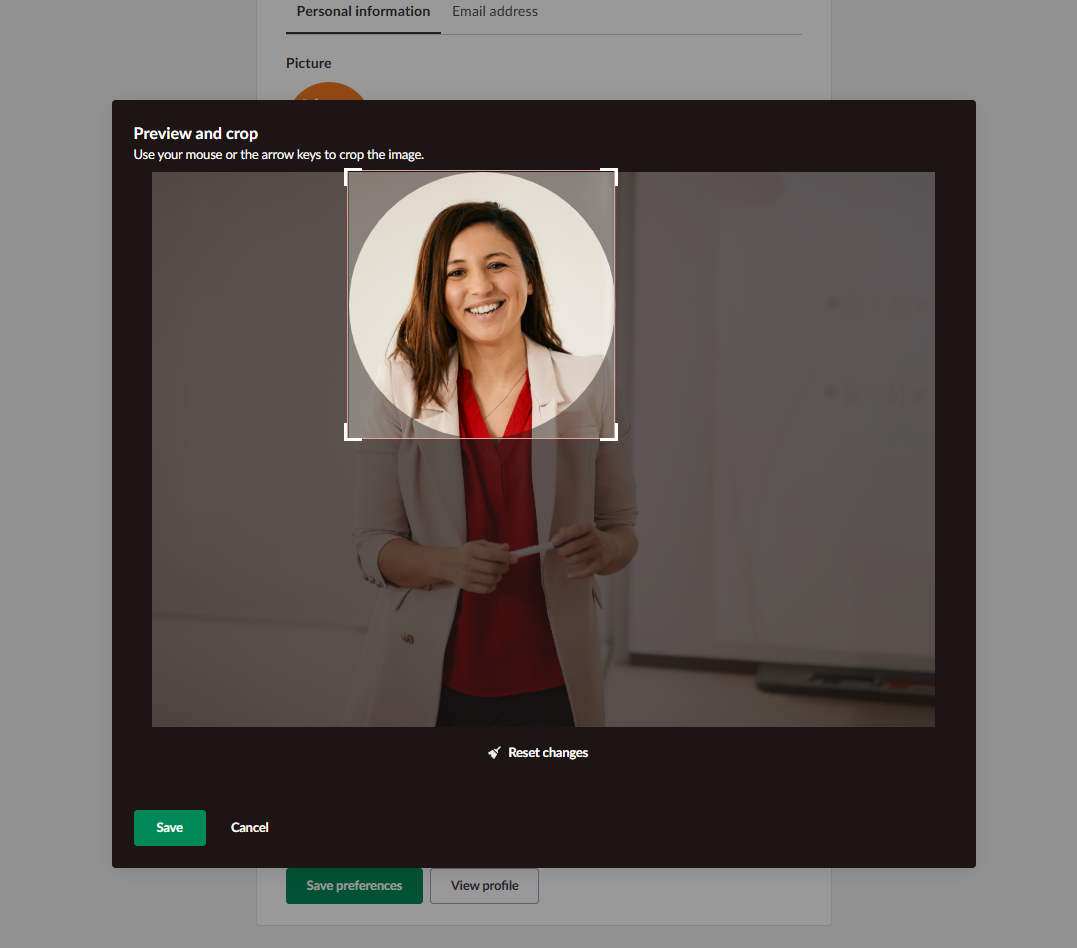
Profilbilder: Lärare och elever kan ladda upp en bild som representerar dem själva och enkelt beskära den för att justera det synliga området på sin profilbild.
Avatarer är fördefinierade illustrationer som användare kan välja som profilbild istället för att ladda upp egna bilder. Administratörer kan tilldela avatarer till användare som inte har laddat upp profilbilder. Fördelen för skolor är att de grå standardsilhuetterna ersätts med mer tilltalande och igenkännbart innehåll.
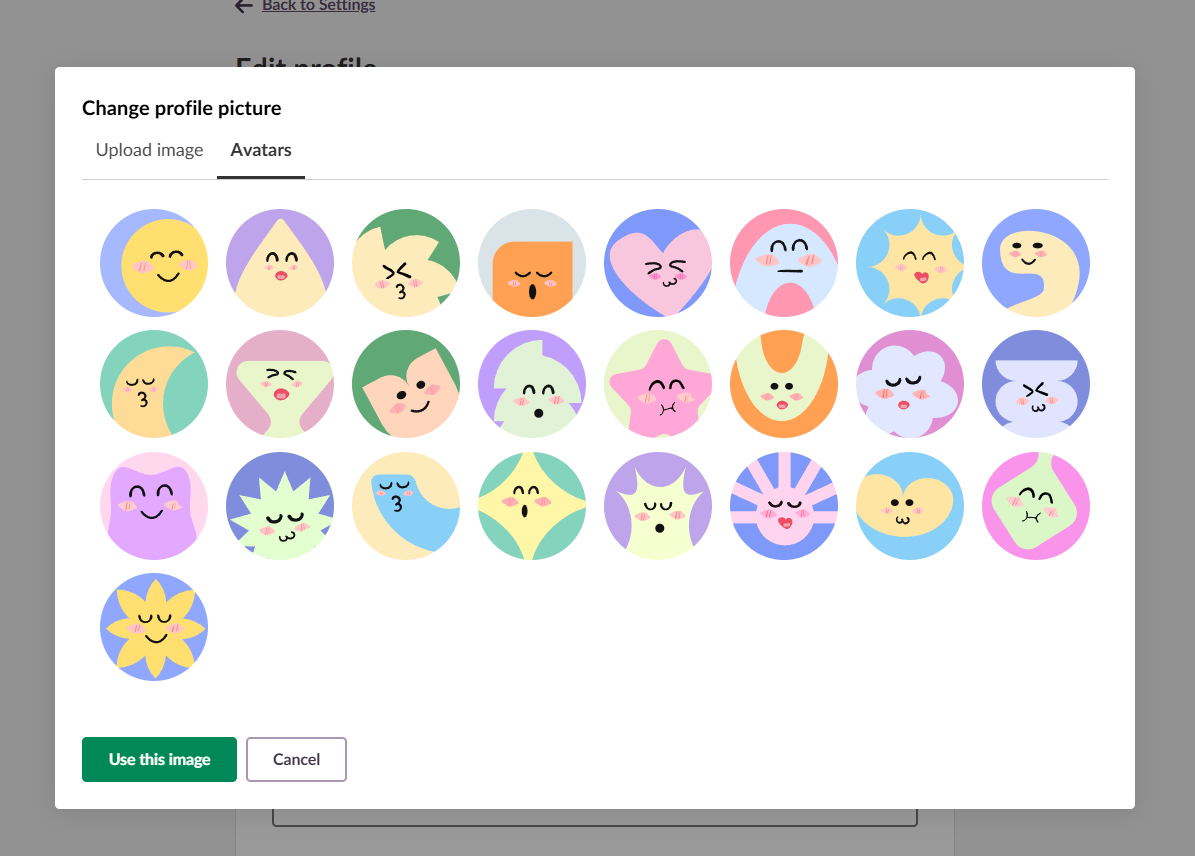
Systemadministratörer kan hantera avatarinställningar på profilnivå och tillämpa regler på grupper som elever, lärare eller annan personal.
De kan också aktivera automatisk avatartilldelning till nyregistrerade användare, så att alla får en avatar utan manuellt arbete. För befintliga användare kan systemadministratörer tilldela slumpmässiga avatarer till alla som inte har laddat upp en egen bild, medan de som har anpassade bilder behåller dem.
Införandet av bildbeskärning för profilbilder och avatarer för lärare och elever tillgodoser flera viktiga behov i digitala lärmiljöer:
Bildbeskärning för uppladdade profilbilder och avatarer kommer snart att finnas tillgängligt i itslearning. Då kan lärare och elever börja anpassa sina profiler.
För mer information om hur du hanterar profilbilder och avatarer, läs våra supportartiklar:
Denna funktion är en del av det tyska utvecklingsprojektet (GDP), ett samarbete mellan fyra tyska delstater och itslearning till att förbättra den digitala utbildningen i Tyskland genom skräddarsydda produktutvecklingar.
Läs mer om roadmap och vilka andra funktioner du kan förvänta dig.
För tyska läsare finns mer information om det tyska utvecklingsprojektet på våra webbsidor.